Security consultation + hands-on IT

Turn security concerns
into work that gets done.

From a worrying headline to a safer setup. iGears Canada helps businesses assess exposure, prioritize the work and implement practical improvements across websites, email, networks, backups and AI.

Edmonton-based Canadian delivery, backed by our Hong Kong engineering team.

Concept illustration of connected business systems protected by layered security controls

A practical starting point

You don’t need another
list of things to worry about.

Bring the alert, the recurring problem or the system nobody is sure about. We connect the technical details to your business, define the next steps and carry out the work you approve.

One concern is enough to start. Each engagement has an agreed scope, access arrangements, implementation plan and handover.

In the news. In your environment.

Six current issues.
Six ways we can help.

These dated briefs draw on official security advisories and research. The service beside each one shows how we can help assess and improve your own setup.

Editorial review: · Check each linked source for subsequent updates.

01Website security

Critical PHP alerts. A practical patching plan.

The Cyber Centre’s October PHP alert, updated on 23 October, covers critical website-runtime vulnerabilities and an additional configuration-dependent issue. Updating the website’s content does not update its hosting stack.

Source: Canadian Centre for Cyber Security ·

How iGears can help

Website security & patch review

  • Identify runtimes, CMS components and hosting responsibilities.
  • Coordinate vendor patches and applicable mitigations with a backup and rollback plan.
  • Test contact forms, sign-in and other essential journeys after the change.
Read the practical action brief
02Network security

Security appliances need security maintenance too.

The Cyber Centre updated its Fortinet advisory on 23 October, listing affected products and reporting exploitation of one listed vulnerability. Product and firmware checks matter as much as the brand on the box.

Source: Canadian Centre for Cyber Security ·

How iGears can help

Firewall & remote access review

  • Inventory devices, firmware, support status and administration access.
  • Review remote access, management exposure and account permissions.
  • Back up configurations, plan approved upgrades and verify connectivity afterward.
Read the practical action brief
03Application security

A trusted dependency can become the entry point.

Singapore’s cyber security agency reported malicious Keyv and related npm package versions that stole developer credentials. The lesson reaches beyond one library: review what enters your build and what it can access.

Source: Cyber Security Agency of Singapore ·

How iGears can help

Application & build pipeline review

  • Review dependency histories, lockfiles and relevant build environments.
  • Assess exposed tokens and coordinate agreed credential rotation and environment recovery.
  • Strengthen dependency review, build permissions and release checks.
Read the practical action brief
04AI & data protection

Adopt AI with a clear boundary around your data.

Canada’s Cyber Centre highlighted risks from unapproved AI tools, sensitive-data exposure and manipulated outputs. Clear access rules and human review belong in the rollout, alongside the productivity benefits.

Source: Canadian Centre for Cyber Security ·

How iGears can help

Secure AI adoption consultation

  • Map approved tools, sensitive information and connected data sources.
  • Configure supported access, sharing and retention settings for the chosen tools.
  • Define human approval, exception handling and practical staff guidance.
Read the practical action brief
05Email & identity

Protect the account behind the payroll request.

Microsoft documented Storm-2755 targeting Canadian employees through malicious search results and advertising. Hijacked sign-in sessions were used to pursue payroll diversion, showing why a familiar inbox is not enough to verify a payment change.

Source: Microsoft Security ·

How iGears can help

Email & identity security setup

  • Review sign-ins, mailbox rules, app consent and account recovery settings.
  • Configure phishing-resistant authentication and access policies where supported.
  • Document independent verification of bank-detail changes and account recovery steps.
Read the practical action brief
06Ransomware resilience

The useful backup is the one you can restore.

Canada’s revised ransomware playbook covers prevention, containment and recovery, including data theft alongside encryption. A backup status light is a starting point; a tested recovery process is what the business needs.

Source: Canadian Centre for Cyber Security ·

How iGears can help

Backup & recovery readiness

  • Map critical systems, recovery priorities and backup responsibilities.
  • Check backup separation and access, then perform an agreed restoration test.
  • Improve endpoint controls, segmentation and logging within scope, and rehearse the response plan.
Read the practical action brief

What you receive

A useful result.
A clear owner for the next step.

01 / Understand

A prioritized picture

Documented findings for the agreed systems, with business impact, dependencies and practical next steps explained in plain language.

02 / Improve

Changes you can approve

A written implementation scope and quotation, including responsibilities, maintenance needs and any software or hardware costs.

03 / Operate

Verification and handover

A record of completed work and the agreed checks, plus guidance on who maintains the setup and what still needs attention.

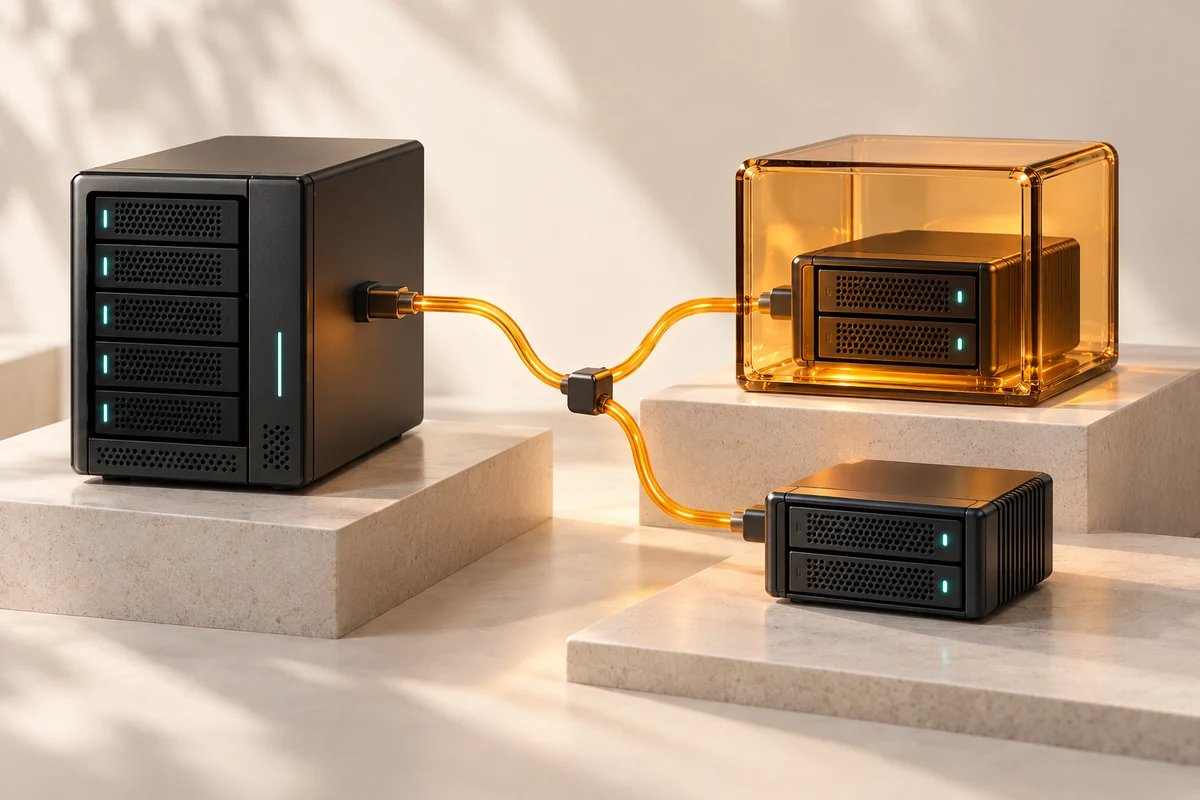
Concept illustration of business data restored through a protected backup system

Make resilience tangible

Check it.
Fix it.
Prove the next step works.

A security recommendation becomes useful when someone configures it, tests the result and explains how to keep it working. We can take that work from assessment through implementation and handover.

  • Website, hosting and application maintenance
  • Email, identity, devices and network configuration
  • Backup tests, recovery planning and secure AI workflows

See our wider IT services

How we work

Start focused. Make progress visible.

  1. Tell us what is happeningShare the concern, systems involved and business priority. We identify what information is needed.01 / Discuss
  2. Agree the workReceive a scoped proposal covering access, tasks, responsibilities, costs and verification.02 / Scope
  3. Implement and hand overWe make the approved changes, run the agreed checks and document the outcome and next steps.03 / Deliver

Before we start

Security consultation FAQ

What happens in a security consultation?

We discuss the issue, systems and business priorities, review the available information and agree what needs assessment. Before implementation, you receive a written scope and quotation with responsibilities and verification steps.

Can iGears do the implementation as well as the review?

Yes. We can scope hands-on work across websites, email and identity, devices, network equipment, backups, application delivery and AI workflows. We agree access, dependencies, maintenance windows and testing before changes.

Can we start with one concern?

Yes. A focused website patch review, Microsoft 365 configuration review or backup restoration test is a useful starting point. We prioritize the systems and risks you identify, then document any additional work separately.

Do we need to know which security product to buy?

No. We assess the current setup first. Existing licences, compatibility, business needs and who will maintain the system all influence the recommendation. New software, hardware and third-party subscriptions are identified in the scope.

Can we discuss a suspected active incident?

Tell us what has happened and when. We confirm availability and the appropriate next step. Active incident response, forensic investigation, recovery guarantees and an emergency response SLA are not included in a standard preventive consultation.

What should we share over WhatsApp?

Start with your name, organization, the type of issue and a suitable way to reach you. Use redacted examples. We will agree a secure route for credentials, logs or other sensitive information if they are needed.

Let’s make the next step clear

What needs attention
in your business?

Tell us the concern in a few sentences. We’ll help define a practical consultation and the hands-on work that follows.

Prefer email? info@igears.ca

Use your first message to describe the issue. We’ll agree a secure way to share any sensitive information.

Get a Quote Call
Chat on WhatsApp